
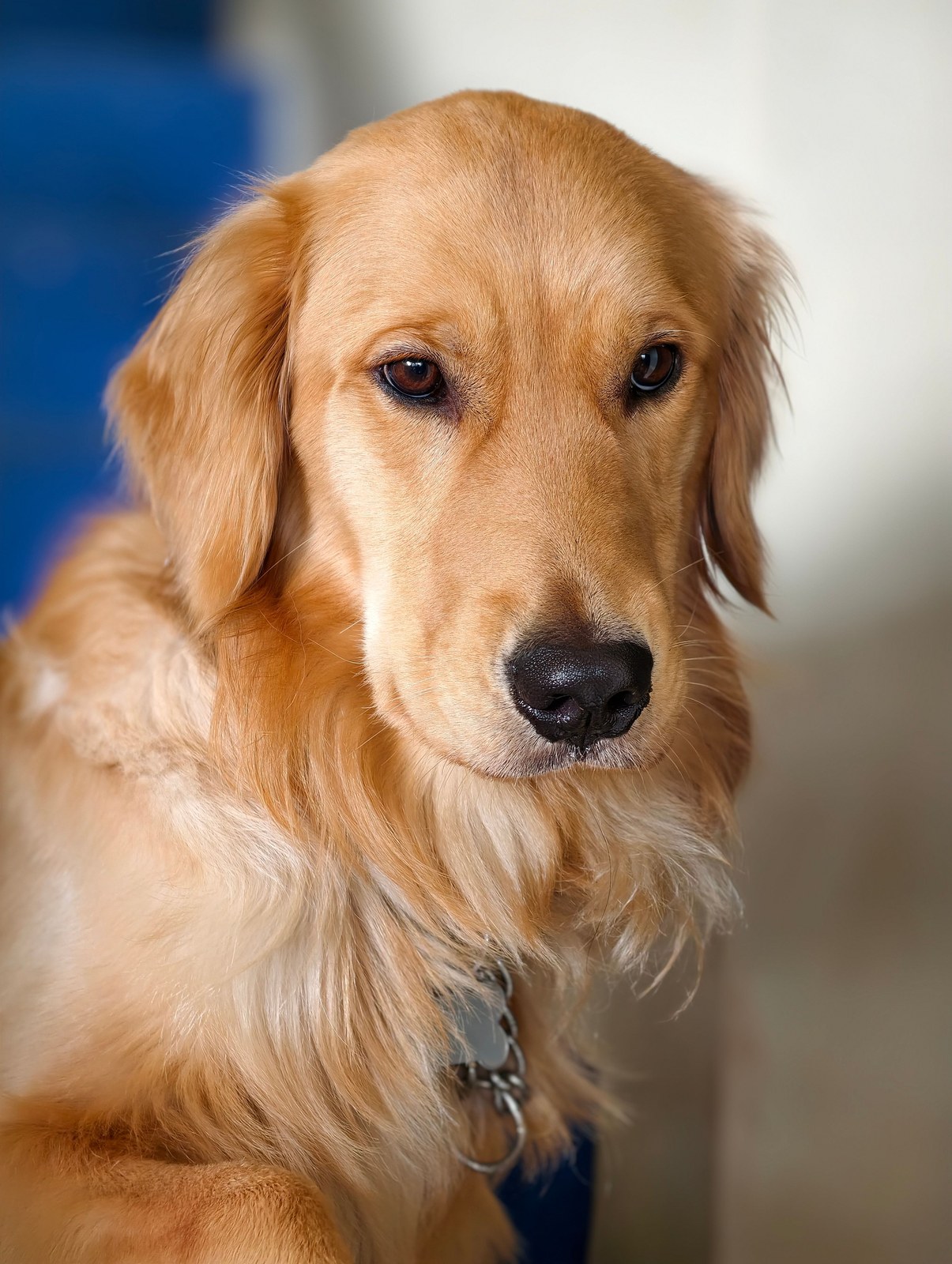
For dogs
Show the whole face and both ears where possible. A level camera angle usually gives a clearer reference than a photo taken from high above.
Choose a dog photoTurn a pet photo into an 11s reaction or 15s full meme exchange with new AI dialogue. Watch actual dog and cat outputs before choosing a scene or reference.
6 scenes · One photo · 15s default · New AI dialogue
Packs from $9.90: 10 credits for one Standard · 480p · 15s scene attempt.
Standard · 15s · 480p · 9:16 · estimated 10 credits
Automatically transcribed from this sample’s actual audio. Recognition and speaker attribution may contain errors; uncertain wording is retained. Original English audio; no translated subtitles.
Standard · 15s · 480p · 9:16 · estimated 10 credits
Automatically transcribed from this sample’s actual audio. Recognition and speaker attribution may contain errors; uncertain wording is retained. Original English audio; no translated subtitles.
StatePropertyMeme.org is an online AI tool for personalized State Property (Hit the Road Dude) meme videos. Upload one photo of yourself or your pet, select a pickup-truck scene or a creative variation, and generate a short MP4 with newly synthesized dialogue.
Read the creation guideUse one clear photo of your dog or cat. Keep their eyes, ears, and muzzle in view.
Choose pickup, porch, tractor, golf cart, dock or ranch, or follow a reference. Select the 11s reaction or 15s full exchange, format and creation option, then review the quote.
Review the credit quote before generating. Follow progress in your video history and download the finished clip.
Create a new scene from one dog or cat photo. Choose the setting and guide your pet’s expression and delivery.
You do not need a staged shoot. A clear, recent photo with your pet looking toward the camera is a useful starting point.
Show the whole face and both ears where possible. A level camera angle usually gives a clearer reference than a photo taken from high above.
Choose a dog photo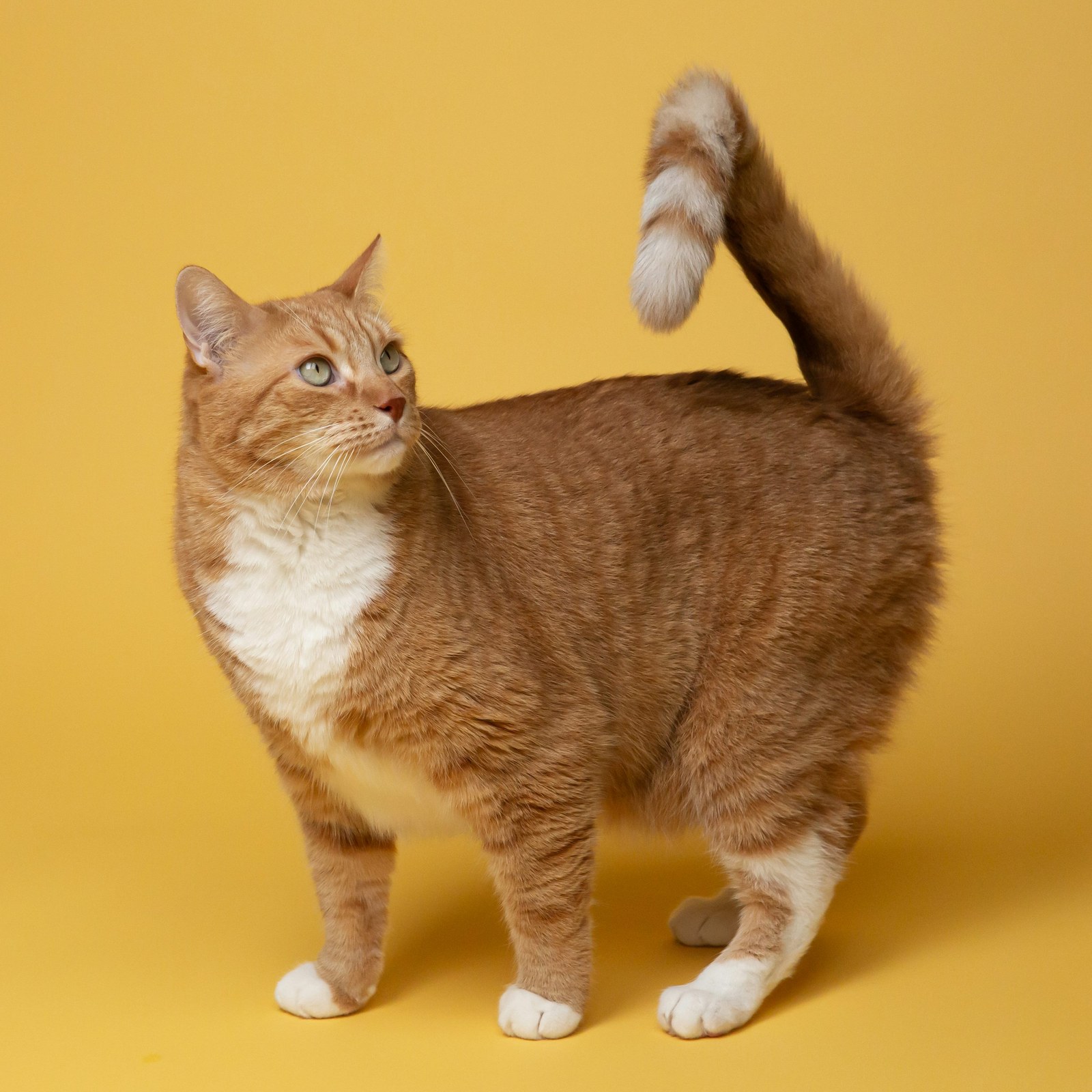
Keep the whiskers and face markings sharp. Soft daylight helps preserve fur detail; avoid dark photos with only glowing eyes visible.
Choose a cat photoChoose a photo you have permission to use. AI may change fur markings, accessories, or proportions; treat the first result as a creative take, not an exact replica.
People, cats and dogs, each with a new scene and a different reaction. Play a video, find your favorite and try your own photo.
Default configuration: Standard · 480p · 15s · 10 credits in scene mode.
15 seconds · Video inspiration
A golden-retriever portrait becomes a pickup-truck conversation. The close framing makes the dog’s face the focus; compare its features with the source photo.
Standard · 15s · 480p · 9:16 · estimated 10 credits
Automatically transcribed from this sample’s actual audio. Recognition and speaker attribution may contain errors; uncertain wording is retained. Original English audio; no translated subtitles.
15 seconds · Video inspiration
A ginger cat becomes the lead in a pickup-truck exchange. Compare the same scene with the dog and fictional-person versions to choose a subject for your own take.
Standard · 15s · 480p · 9:16 · estimated 10 credits
Automatically transcribed from this sample’s actual audio. Recognition and speaker attribution may contain errors; uncertain wording is retained. Original English audio; no translated subtitles.
15 seconds · Video inspiration
A golden retriever takes the lead in a tractor scene. Compare it with the pickup example made from the same dog photo, and check how the setting changes the exchange.
Standard · 15s · 480p · 9:16 · estimated 10 credits
Automatically transcribed from this sample’s actual audio. Recognition and speaker attribution may contain errors; uncertain wording is retained. Original English audio; no translated subtitles.
Watch the expressions and dialogue in different scenes, then create with your own photo. Start with the one you like.
Explore 4 pet scene examples; six scenes are available in the studio.
Golden retriever
Standard · 15s · 480p · 9:16 · estimated 10 credits
Automatically transcribed from this sample’s actual audio. Recognition and speaker attribution may contain errors; uncertain wording is retained. Original English audio; no translated subtitles.
Golden retriever
Standard · 15s · 480p · 9:16 · estimated 10 credits
Automatically transcribed from this sample’s actual audio. Recognition and speaker attribution may contain errors; uncertain wording is retained. Original English audio; no translated subtitles.
Dialogue and expressions can vary between creations.
Ginger cat
Standard · 15s · 480p · 9:16 · estimated 10 credits
Automatically transcribed from this sample’s actual audio. Recognition and speaker attribution may contain errors; uncertain wording is retained. Original English audio; no translated subtitles.
Ginger cat
Standard · 15s · 480p · 9:16 · estimated 10 credits
Automatically transcribed from this sample’s actual audio. Recognition and speaker attribution may contain errors; uncertain wording is retained. Original English audio; no translated subtitles.
Examples show creative possibilities. Dialogue, movement and likeness can vary in your result.
Explore more videosGet the context, choose a photo, and write a prompt that keeps the scene focused.
Photo choices and small details that matter for pet videos.
Describe the character, camera, and timing without crowding the prompt.
No. Start with a clear photo of your dog or cat. The selected scene or video reference guides the setting; your source photo provides the character reference.
Both dogs and cats have their own subject setting in the studio. Choose the setting that matches your photo before generating.
You can describe accessories in the extra direction field. Keep requests simple and specific. Accessories can hide facial details and may vary between results.
Not always. The photo helps guide the subject, but an AI video can change markings, proportions, or expressions. A clear face and a simple prompt give you a better reference to work with.
The studio quotes credits for your selected duration, creation option and resolution before submission. Videos and images share your balance. Buy a one-time pack without subscribing, or choose a recurring plan.
No. Both scene and reference modes create new AI dialogue and motion. Reference clips guide the framing and timing; this tool does not attach the original recording or guarantee exact words, voices or gestures.
Video input photos are retained for 30 days; finished videos for 30 days after completion. Active-generation inputs are retained until the task ends. You can request earlier media deletion in Video history. Anyone with a direct media link may access it until removal.
Choose a photo of your dog or cat, set the scene, and check the credit quote before generating.
Start a video