
Make a State Property Meme with Your Dog or Cat
Choose a clear pet photo, match the animal to a scene, and direct a small reaction while keeping coat markings, ears, and facial features readable.
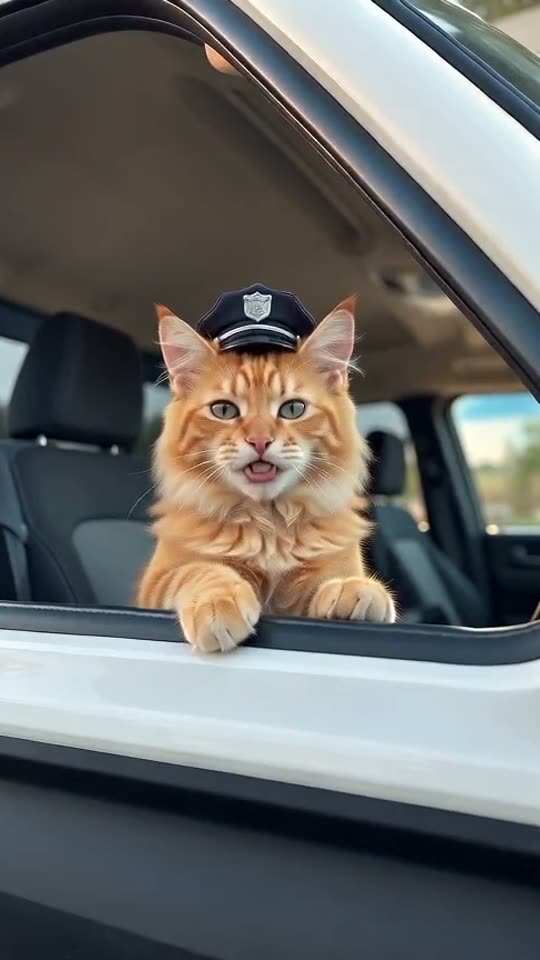
Current studio scope: pets and non-human scenes. Real-person photo animation, fabricated human speech/actions and face swaps are paused.
A pet version works through contrast: a familiar dog or cat takes a very small matter extremely seriously. The strongest starting point is usually a recognizable animal and a simple situation. Let the pet guard the porch, supervise the dock, or claim the golf cart without turning the clip into a complicated action scene.
Choose a photo with readable features
Look for clear eyes, a visible muzzle, and a head that is not cut off by the edge of the frame. Even light helps preserve coat patterns; deep shadows can hide one side of the face. A natural seated pose is easier to interpret than a blurred leap or a photo taken from far above.
Use a single animal. If two pets overlap, the model may mix markings or misunderstand which one should perform. Choose the dog or cat setting that matches your photograph. It gives useful context, but does not guarantee identical anatomy or fur detail in every frame.
Two input-photo examples
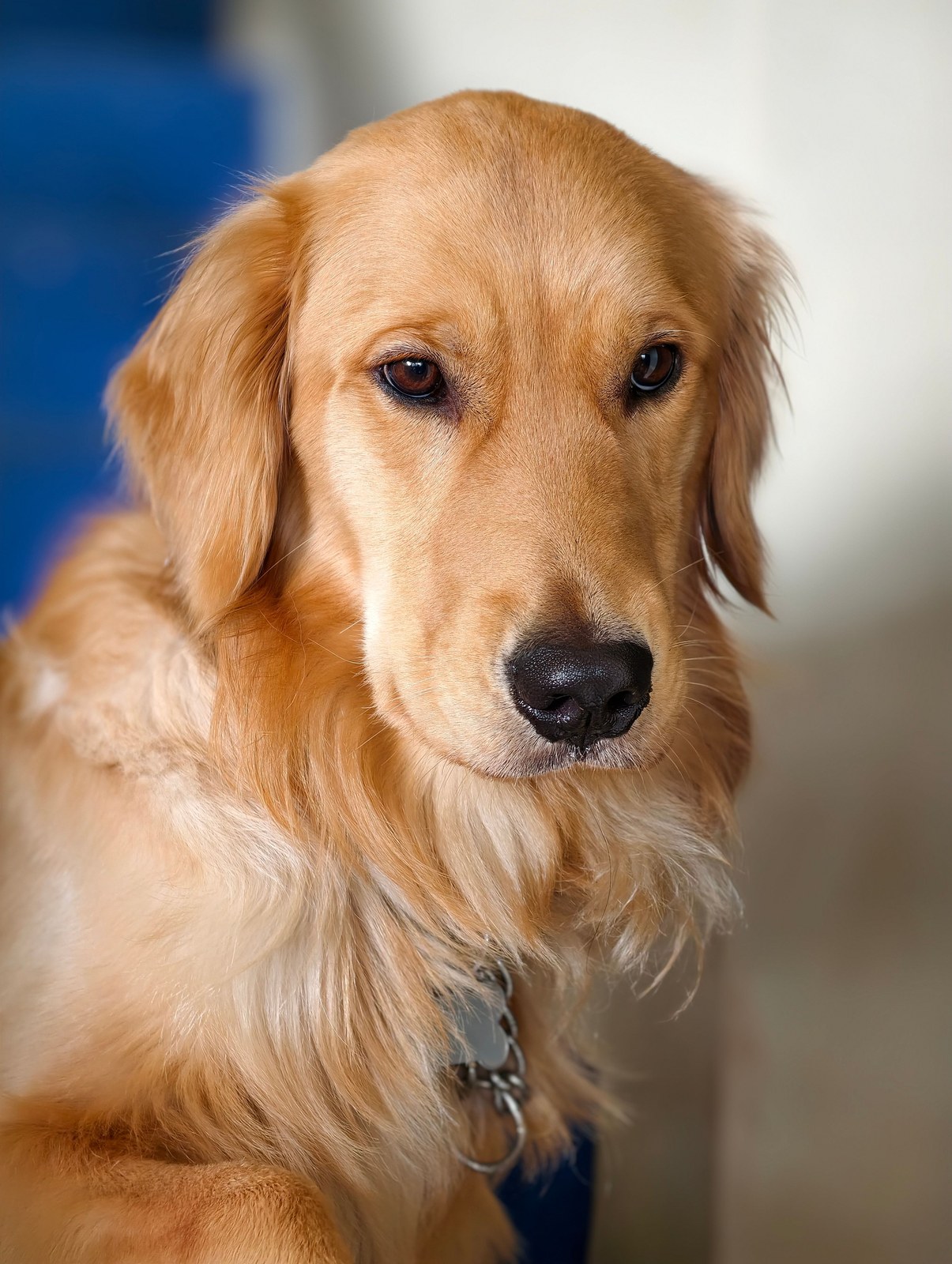
Input-photo example:
Garuda / Pexels
.
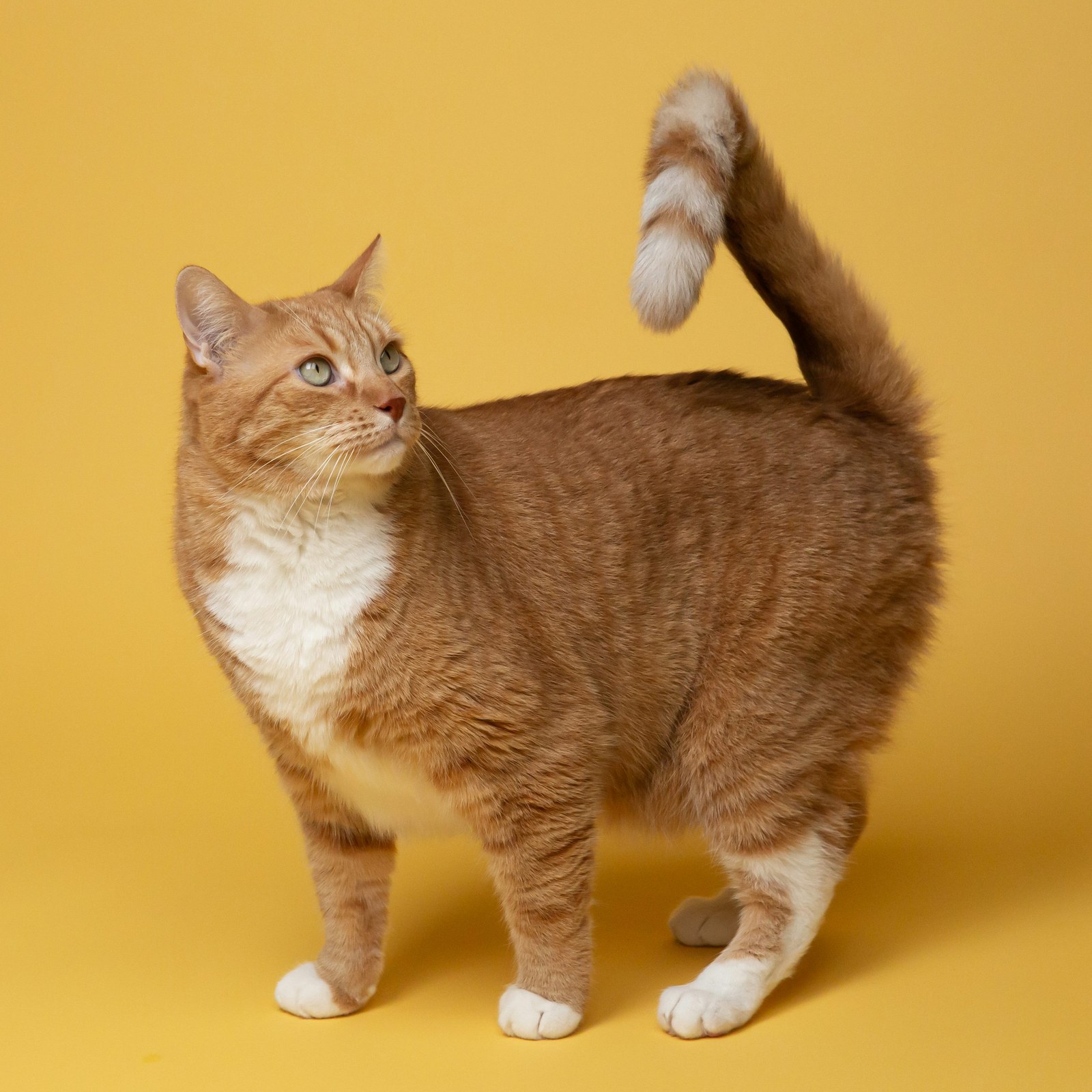
Input-photo example:
Kabo / Unsplash
.
These photographs are input examples, not generated videos. Notice the single subject and readable face before choosing a similar photograph of your own pet. Their backgrounds do not need to match the final scene.
Match the scene to the animal’s attitude
A porch suits a dog who appears to supervise every visitor. A golf cart gives a cat a small, self-important command post. Pickup, tractor, dock, and ranch settings offer other ways to establish territory. Choose one setting and keep the action modest: a glance, a head tilt, or a calm pause.
Scene mode creates a new setting; reference mode follows the available clip’s performance direction. Both produce new audio. A pet’s mouth shape can make speech look less natural, so review the muzzle and jaw closely. Avoid assuming that a convincing human example predicts an identical result for every breed.
Give the reaction enough time
Use five seconds for one short response, or fifteen seconds when you want the complete dialogue to have space. Ten seconds is available for an intermediate take. Start at 480p, review the motion, and consider 720p when the direction is settled. Always check the current credit quote before another attempt.
The pet creation page gathers this workflow. For an external creative reference, TopCat’s Banana Cat video is linked on YouTube; it is not a verified output from this studio. Your own pet photo and a restrained performance are a useful place to begin. Open the studio, then use the prompt guide if you want help describing one clear action.
Banana Cat: a State Property variation
External creative reference, not a video generated by this studio. Playing loads YouTube content.
Open on YouTube