
State Property Meme AI Prompts: Direct One Clear Performance
Write useful direction for a State Property video: preserve the subject, simplify movement, match the scene, and leave space for a short reaction.
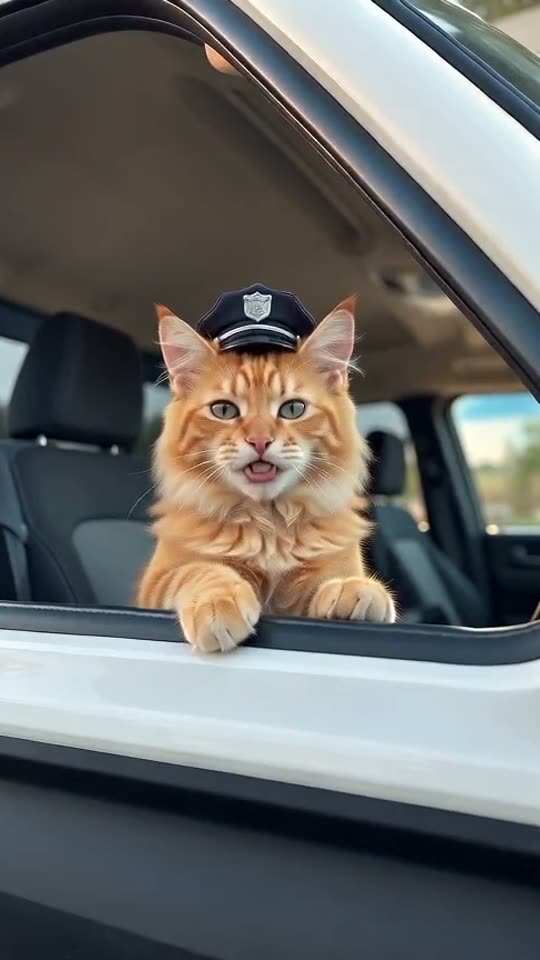
Current studio scope: pets and non-human scenes. Real-person photo animation, fabricated human speech/actions and face swaps are paused.
The most useful prompt does not describe everything that could happen. It tells the video model what matters most: who the subject is, how they react, and how the camera should let us see that reaction. In the studio, your photo and chosen template already supply much of that context. Use extra direction to refine the performance.
Start with three decisions
Choose one expression, one movement, and one camera behavior. For example: skeptical, a small sideways look, and a steady close shot. If the photo shows a seated cat, asking for a complicated walk, a hand gesture, and a sudden camera orbit introduces several new problems at once.
Keep your direction within the field’s length limit. Repeating the same adjective does not make it more reliable. “Calm before the reply, then one doubtful glance” gives a clearer sequence than a long collection of words such as cinematic, epic, dramatic, and hilarious.
Direction examples you can adapt
Dog in a pickup: “Keep the subject recognizable. Begin relaxed, pause before answering, then turn slightly toward the camera with a skeptical expression. Keep the shot steady.”
Dog on a porch: “Preserve the dog’s coat pattern and ears. Use a natural seated pose, a small head tilt, and a serious reaction. Avoid extra animals entering the shot.”
Cat in a golf cart: “Keep the cat’s face and markings clear. Let the cat glance sideways before responding. Use restrained motion and a close view that keeps the muzzle visible.”
These are original direction examples, not guaranteed recipes. They describe priorities, but the model can still change details or interpret them differently. Start with one, then edit the part that matters to your own photograph.
Let the selected mode do its job
In scene mode, describe the performance within the selected environment. Asking for an indoor courtroom while selecting the dock scene creates competing instructions. In reference mode, keep the extra direction compatible with the available clip’s rhythm and framing instead of demanding a completely different sequence.
A five-second clip needs a compact reaction. Fifteen seconds gives the complete dialogue more breathing room; ten seconds offers a middle option. Audio is newly generated, so requests for an exact original voice or soundtrack are not reliable instructions. The script guide explains how to think about pauses without overloading the clip.
Review one variable at a time
Keep the same photo and settings when testing a small prompt change. Compare whether the face stayed readable, the movement supported the joke, and the last word had room to finish. If a generation feels busy, remove a request before adding another. A better source photo can help more than a longer prompt.
Try a direction in the video studio and review its live credit quote before submitting. A successful generation can still need creative revision; only confirmed failed jobs enter the failure-refund process. Save a result you like, then use it to decide whether a higher-resolution attempt is worth the additional quoted credits.