
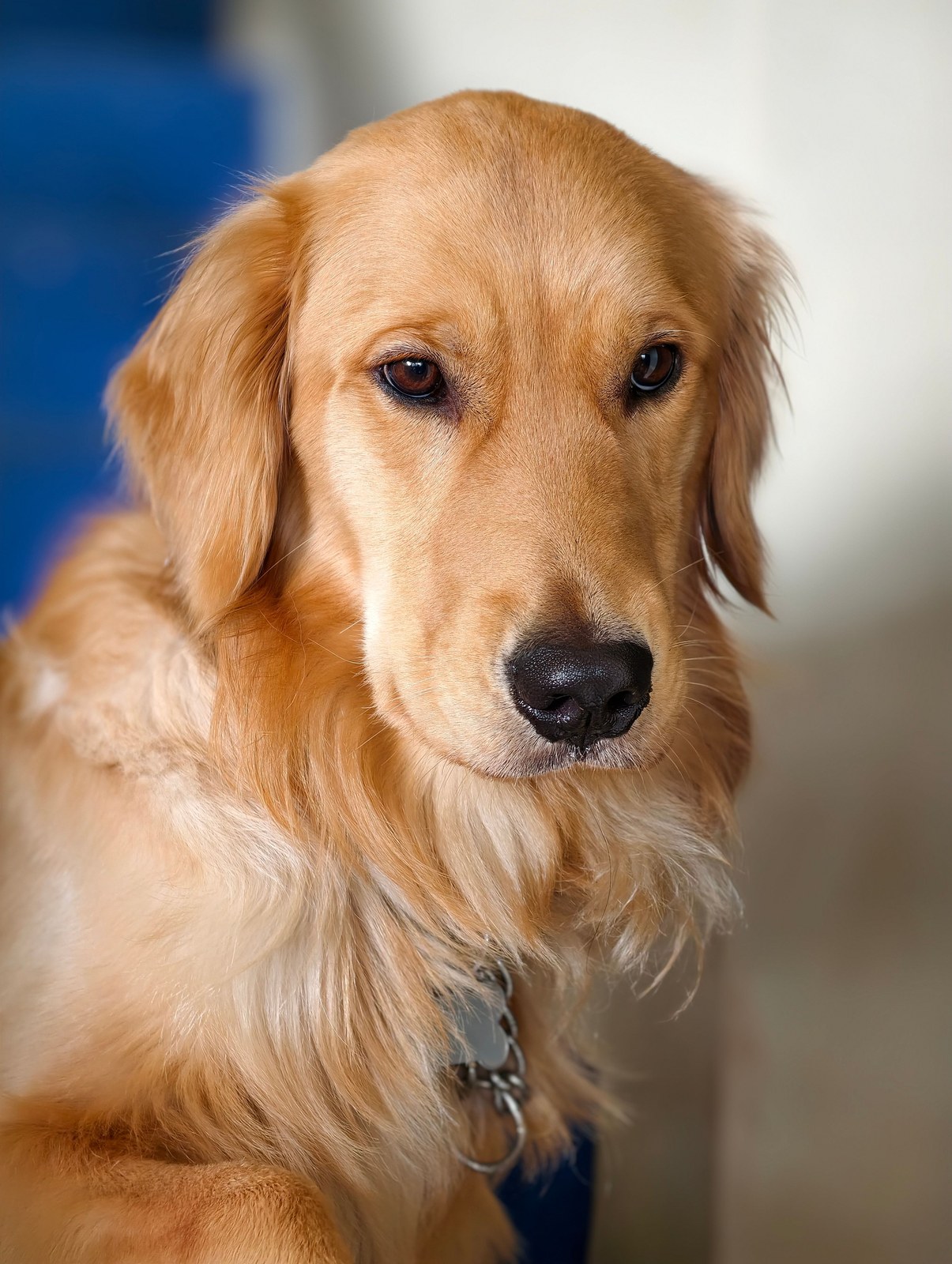
For dogs
Show the whole face and both ears where possible. A level camera angle usually gives a clearer reference than a photo taken from high above.
Choose a dog photostate property meme
Your dog’s serious face. Your cat’s unbothered stare. Give them a seat in the State Property meme.
External reference clips from statepropertymeme.com
Start with a clear portrait. Keep the pickup setting or choose a different place for the same deadpan exchange.
Read the creation guideUse one clear photo of your dog or cat. Keep their eyes, ears, and muzzle in view.
Follow a reference clip, or pick one of six scenes. Set the video length, quality, and frame shape.
Review the credit quote before generating. Follow progress in your video history and download the finished clip.
You do not need a staged shoot. A clear, recent photo with your pet looking toward the camera is a useful starting point.
Show the whole face and both ears where possible. A level camera angle usually gives a clearer reference than a photo taken from high above.
Choose a dog photo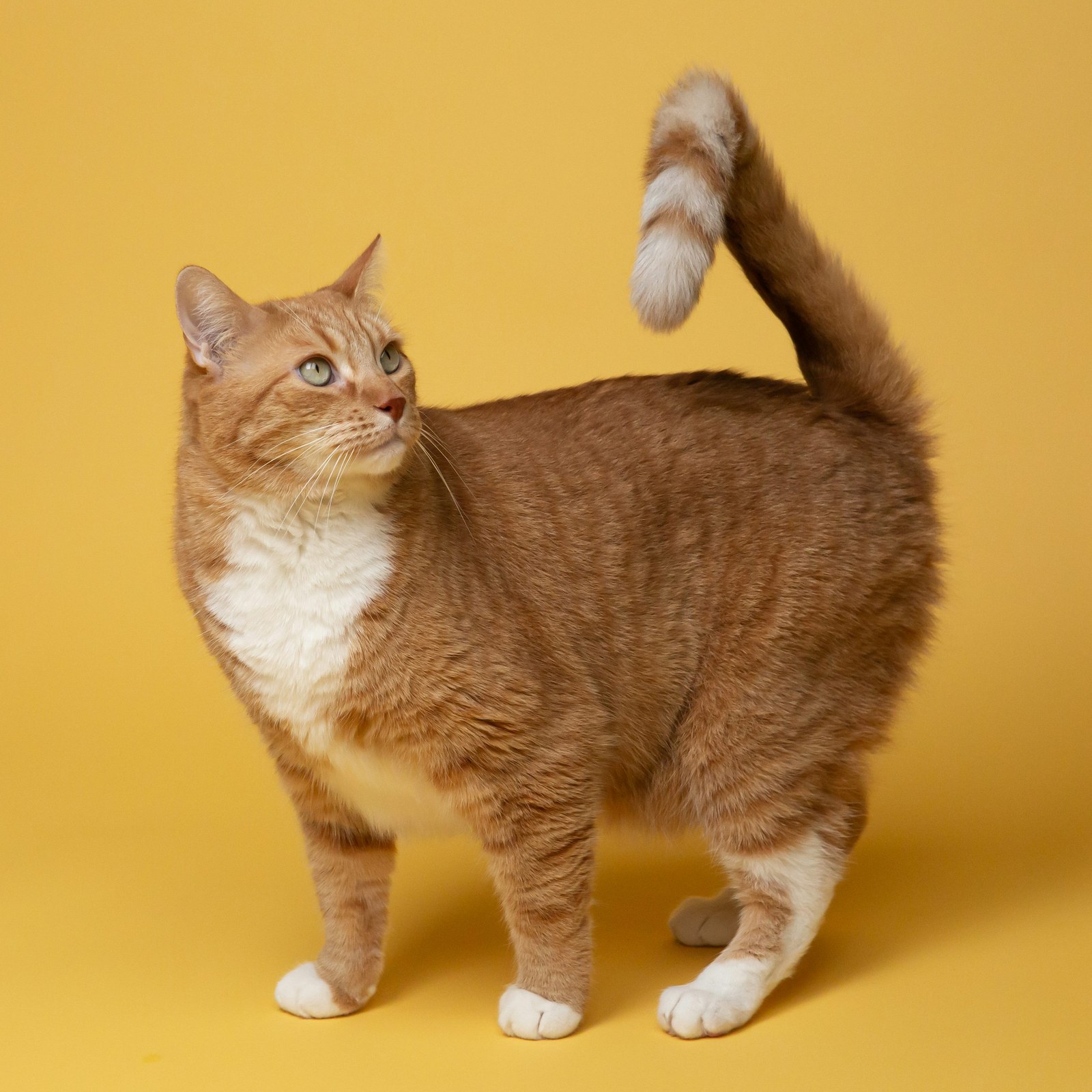
Keep the whiskers and face markings sharp. Soft daylight helps preserve fur detail; avoid dark photos with only glowing eyes visible.
Choose a cat photoChoose a photo you have permission to use. AI may change fur markings, accessories, or proportions; treat the first result as a creative take, not an exact replica.
Pet references for scene and timing ideas. These external examples are not studio-generated results.
View the reference sourceStart with the classic pickup, or move the exchange somewhere unexpected. Each choice opens the studio with that scene selected.
Get the context, choose a photo, and write a prompt that keeps the scene focused.
Photo choices and small details that matter for pet videos.
Describe the character, camera, and timing without crowding the prompt.
No. Start with a clear photo of your dog or cat. The selected scene or video reference guides the setting; your source photo provides the character reference.
Both dogs and cats have their own subject setting in the studio. Choose the setting that matches your photo before generating.
You can describe accessories in the extra direction field. Keep requests simple and specific. Accessories can hide facial details and may vary between results.
Not always. The photo helps guide the subject, but an AI video can change markings, proportions, or expressions. A clear face and a simple prompt give you a better reference to work with.
The studio quotes credits for your selected duration and quality before you submit. Videos and images share your balance. Buy a one-time pack without subscribing, or choose a recurring plan.
Choose your photo, set the scene, and see the credit quote before you start.
Start a video