
Choose a State Property Meme Template That Fits Your Idea
Compare reference mode and six scene templates, choose a useful photo and aspect ratio, and check the quote before making a new video.
Current studio scope: pets and non-human scenes. Real-person photo animation, fabricated human speech/actions and face swaps are paused.
A template is a starting arrangement, not a guarantee of an identical result. It gives your character a setting and a performance direction so you can focus on the joke. Choose it according to what you want viewers to notice: the familiar rhythm, the unexpected subject, or the place the subject has decided to supervise.
Reference mode or scene mode?
Choose reference mode when you want the available reference clip to guide movement, framing, and timing. Your uploaded photo supplies the subject. The result is a new generation rather than a literal overlay on the original footage, so identity, gestures, voice, and exact timing can vary.
Choose scene mode when the location is part of your idea. The studio builds a new setting around the photo and the selected scene. It is a useful choice for a dog on neighborhood watch or a cat taking charge of an outdoor meeting. Audio is newly generated in either mode.
Pick one of six settings
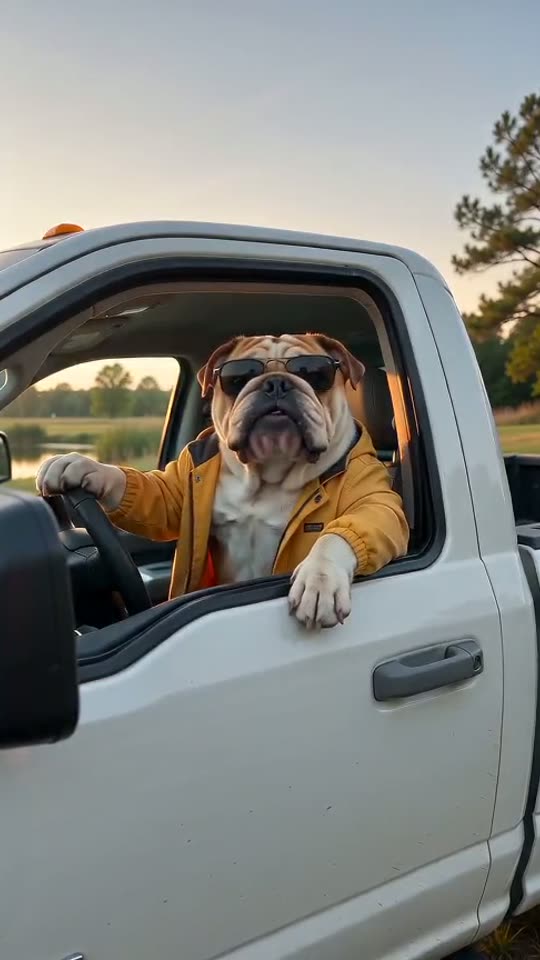
- Pickup: a close, conversational setup where a look out of the vehicle can carry the reaction.
- Porch: an everyday boundary between the character’s home and an unexpected visitor.
- Tractor: a practical outdoor setting for a subject who takes their supervisory role very seriously.
- Golf cart: a lighter patrol setup, useful for a character who has appointed themselves in charge.
- Dock: a simple visual connection to questions about access and outdoor territory.
- Ranch: a wider rural setting where the landscape supports the mood without becoming the main event.
These descriptions are creative suggestions. A scene selection does not promise every prop or camera position in each generation. Keep extra direction focused on the behavior you want most.
Choose a photo that belongs in the frame
Use one dog or cat with a clearly visible face, and no real people in the photo. Leave room around the head and avoid screenshots with captions already covering the subject. Strong filters, very small faces, or heavy motion blur can make identity harder to preserve. The pet guide gives more specific advice for ears, fur, and muzzles.
For a phone-first clip, 9:16 gives a tall frame. For a wider scene, 16:9 leaves more space around the subject. Neither choice automatically improves the joke. Check that the subject remains large enough to read on a small screen.
Budget for an iteration, not a guarantee
Five seconds suits a short reaction; fifteen seconds gives a complete exchange more room, with ten seconds available between them. Start with 480p to explore a direction and consider 720p when the framing and idea are settled. Use the live quote instead of assuming every combination costs the same.
Available plans are shown on pricing; one-time credit packs do not require an active subscription. Check your current balance in Credits. A failed task follows the failure-refund flow, while an unwanted expression in a completed clip is a creative result to review. Choose your template in the studio, then use the prompt guide to add one precise performance instruction.