
State Property Meme Script: Plan the Pause and the Reply
A practical guide to pacing a State Property-inspired dialogue, choosing clip length, and writing direction without expecting an exact audio replica.
Current studio scope: pets and non-human scenes. Real-person photo animation, fabricated human speech/actions and face swaps are paused.
A good State Property-inspired script is a short performance, not a wall of dialogue. The question establishes a boundary, the pause reveals disbelief, and the reply turns a minor disagreement into a scene. If you remove all the pauses to squeeze in more words, the joke can become harder to follow.
This guide offers an original planning example, not a transcript of the source video. Follow the original-video guide for source links. The studio generates new audio, so using a familiar setup does not guarantee the original voice, accent, wording, or recording.
Think in three beats
First, establish what the character believes they control. Second, introduce a small challenge to that belief. Third, let the character respond with more seriousness than the situation deserves. The exact object can change: a porch, a snack, a chair, or a fishing spot. Keep the audience’s attention on the reaction.
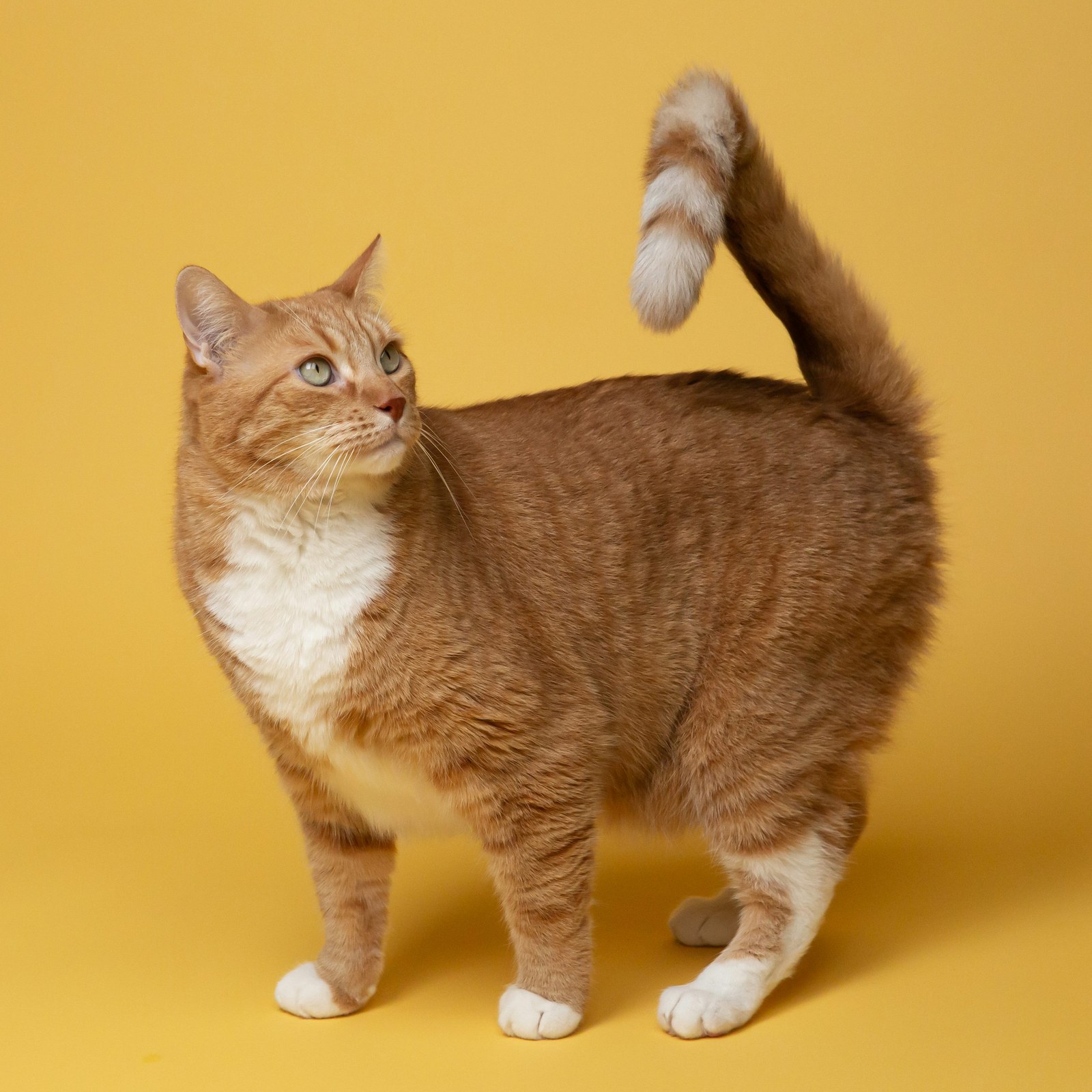
For example, imagine a cat guarding a clean laundry basket. An off-camera visitor asks whether it is shared seating. The cat looks toward the basket, pauses, and insists that access requires its approval. That is enough narrative for one short clip. Adding another visitor or a chase would make it a different, more complicated scene.
A short original rehearsal example
Visitor: “Is this the shared seat?”
Lead: “Shared?”
Pause. The lead looks back at the seat.
Lead: “You will need my permission.”
Treat those lines as a writing exercise. They are not a claim about the words spoken in the original video, and they are not a promise that the studio’s preset dialogue will follow custom lines exactly. The direction field is best used for delivery and behavior. An exact scripted performance requires checking the generated result.
Match the ambition to the duration
A five-second clip should focus on a short reaction: a glance, a brief reply, and an ending that can breathe. Ten seconds can support a little more setup. Choose fifteen seconds for the complete dialogue option and a more deliberate exchange. Do not try to fit a full speech into the five-second setting by demanding faster delivery.
The pacing may still vary. Listen for cut-off words, overlapping voices, or a final reaction that arrives too late. Review the mouth movement separately from the voice; a plausible soundtrack does not automatically mean the face is synchronized.
Give useful direction, then change one thing
“Start calm, pause before responding, then give a skeptical sideways look” is easier to act on than “make it hilarious.” Pick one performance adjustment, keep the same photo and scene, and compare the results. Reference mode can help guide the available clip’s rhythm, while scene mode gives you a new environment.
Open the studio, check the current quote, and choose a duration that fits your idea. Confirmed task failures follow the refund process; a completed performance with a different delivery is not the same as a failed task. Continue with the prompt examples for practical ways to describe expression, camera movement, and framing.